Official Toon Tone game online
Toon Tone
Play Toon Tone free in the browser. Guess cartoon and anime colors from memory in five quick rounds with HSB sliders, no signup and no download.
- ToonTone and Toon Tone both point to this same browser color game.
- Classic Toon Tone: cartoon and anime color memory.
- Pokemon mode: live Gen 1 color prompts with its own ranked board.
- Brand mode: live logo color guessing for familiar company colors.
- Football Nations: planned for World Cup season as an unofficial football color mode.
Round 1/5
What color is the character part?
Read the prompt, tune hue, saturation, and brightness, then submit your best memory match.
Play nowHow Toon Tone Works
Toon Tone is a free five-round cartoon color guessing game. It runs in the browser and opens straight into play, with no account gate before the first run.
Each run gives you five prompts. The game names the character, the source, and the exact part to match, then you rebuild that color from memory with hue, saturation, and brightness sliders.
The HSB controls feel a bit like a color picker, but they are part of the challenge. The target area changes live while you move the sliders, and the round only ends when you submit a guess.
Classic Toon Tone is the main game for cartoon and anime color memory. Pokemon mode and Brand mode are extra boards with the same slider format, separate prompts, and separate rankings.
1. Read the character prompt.
2. Tune HSB until the live recolor matches.
3. Submit, reveal the answer, and finish five rounds.
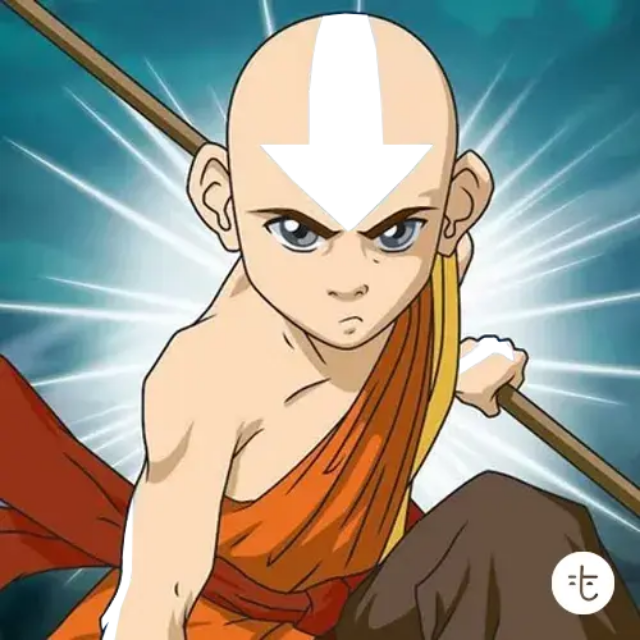
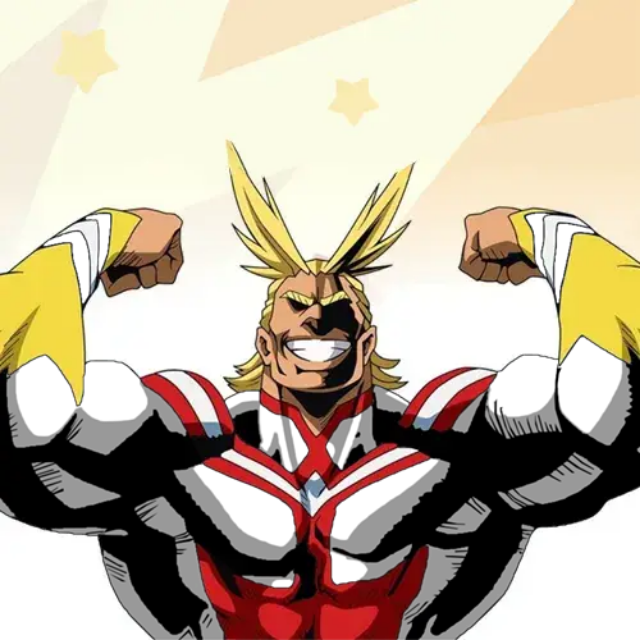
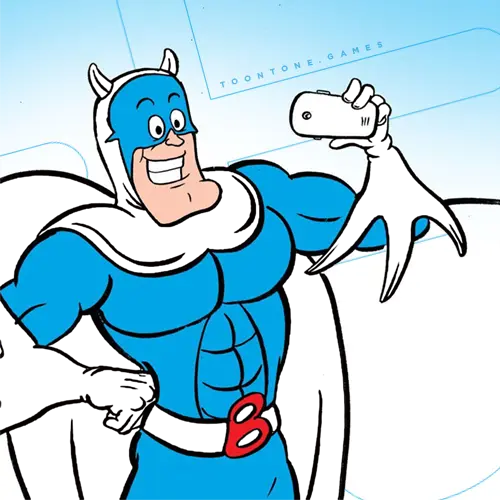
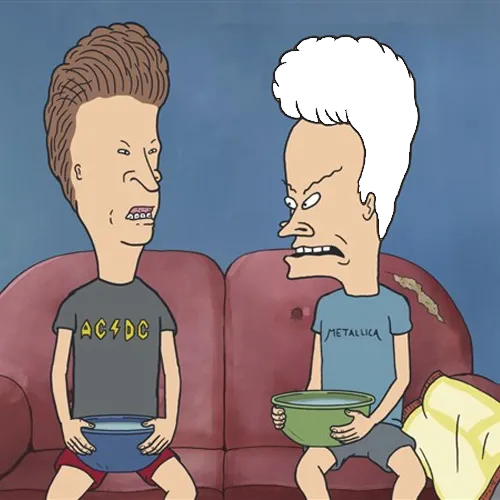
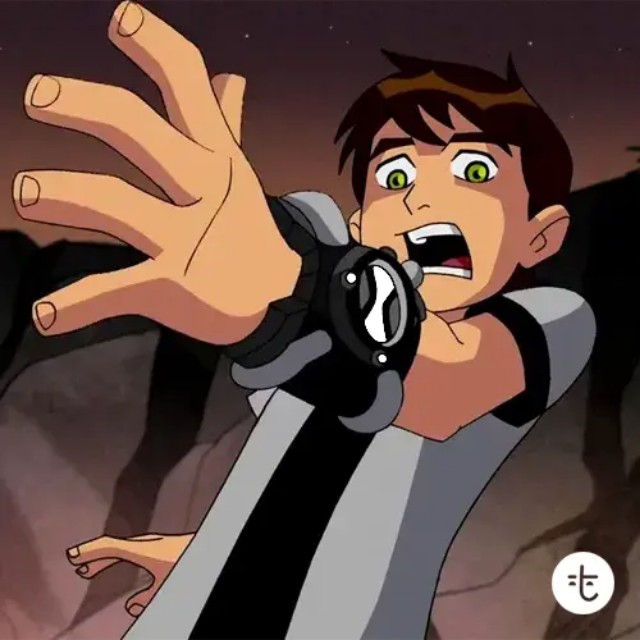
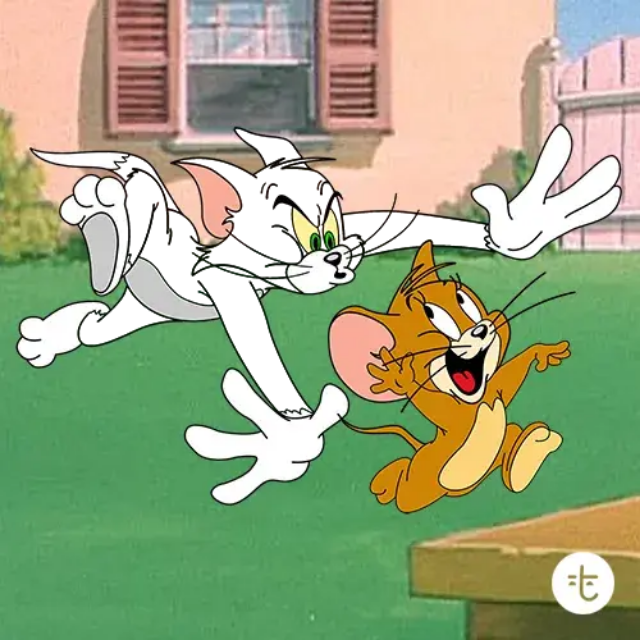
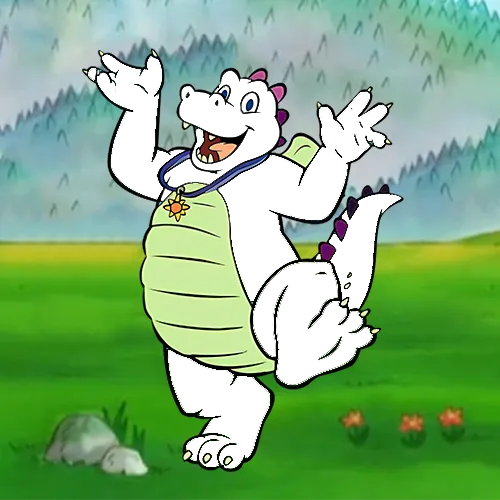
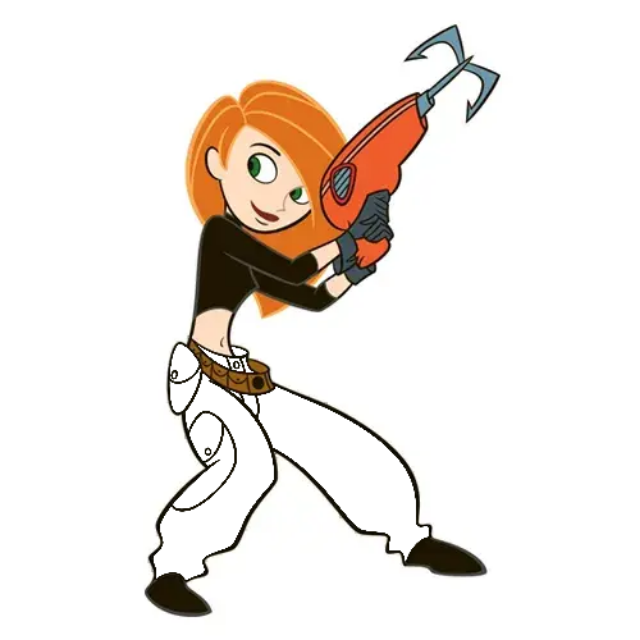
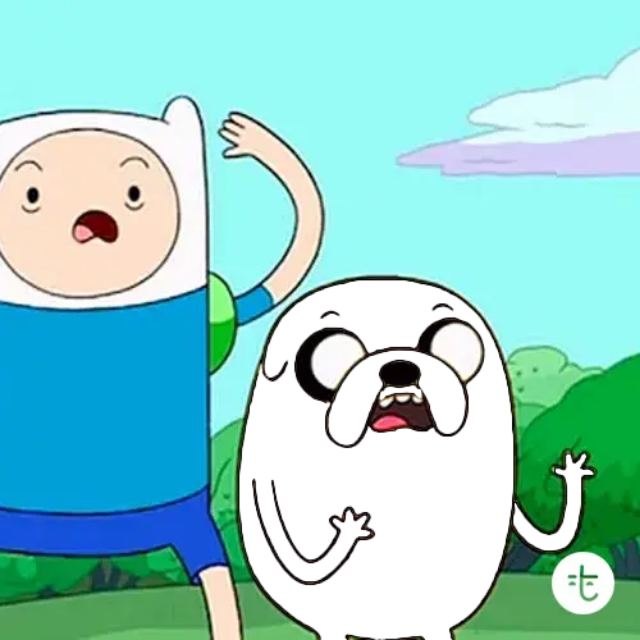
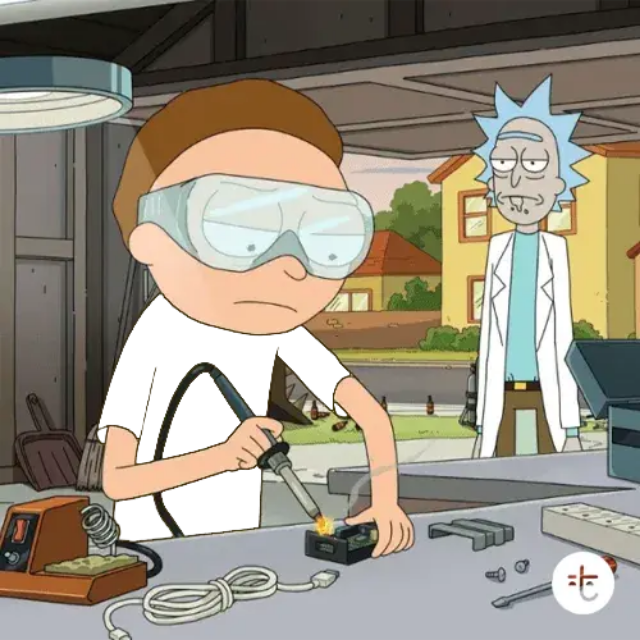
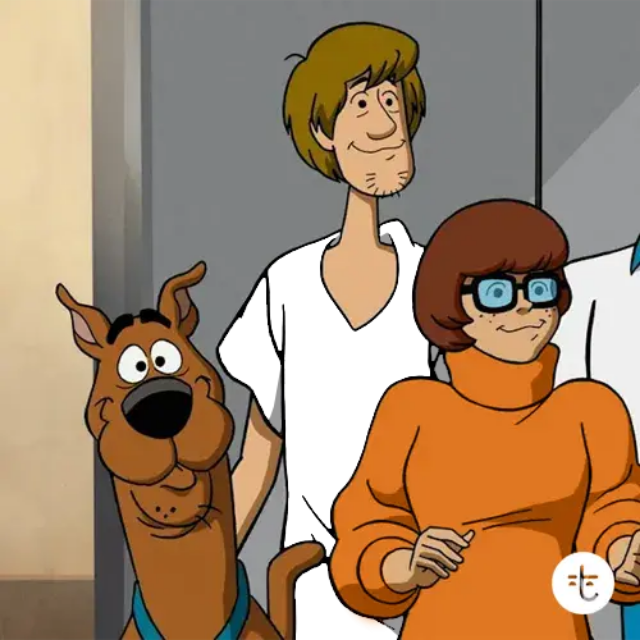
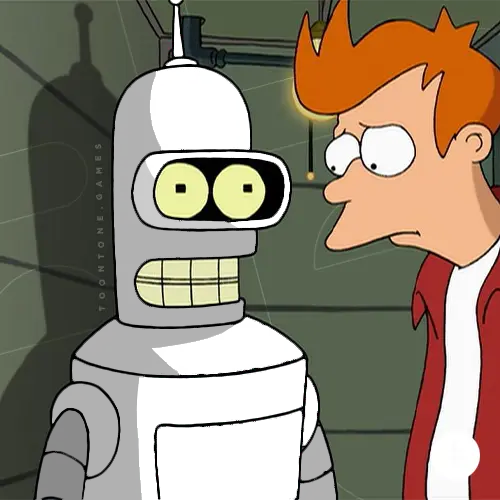
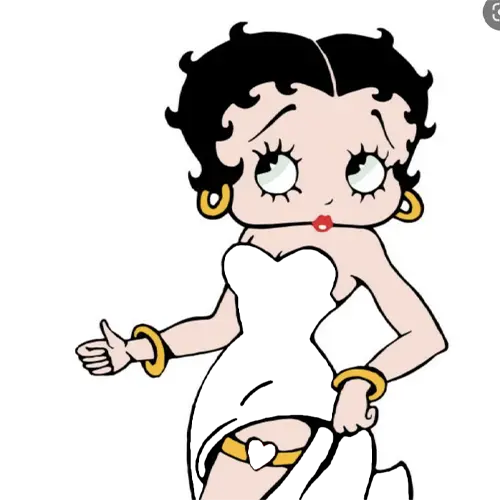
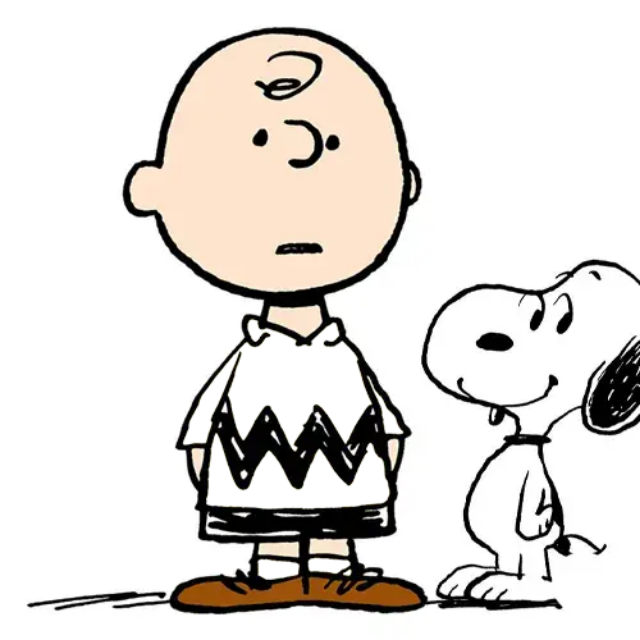
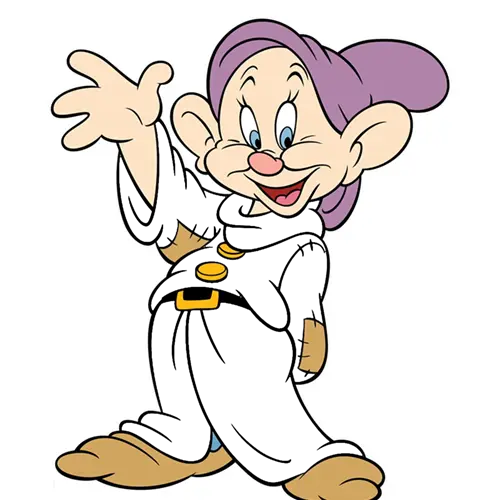
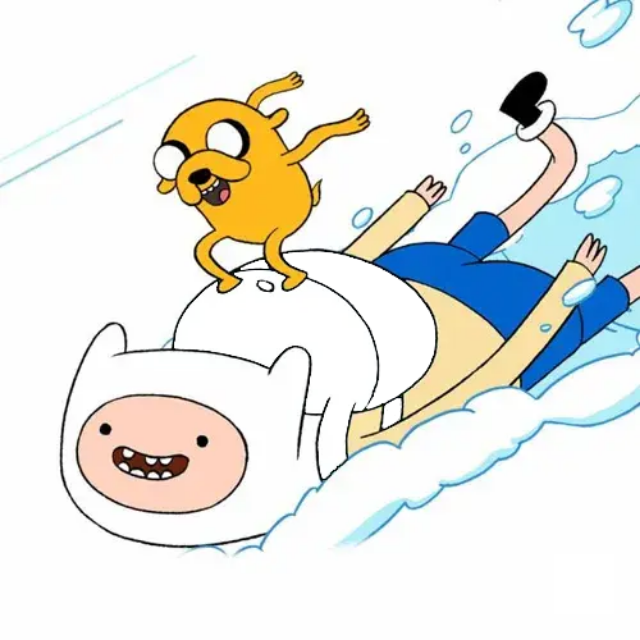
Character color notes
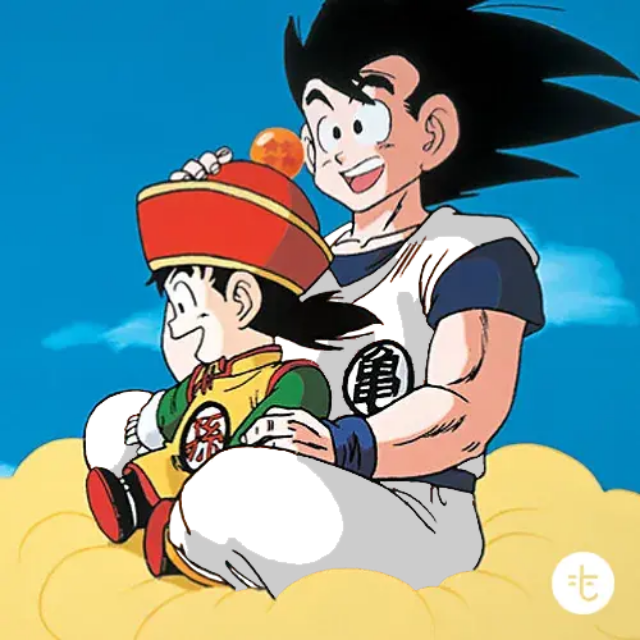
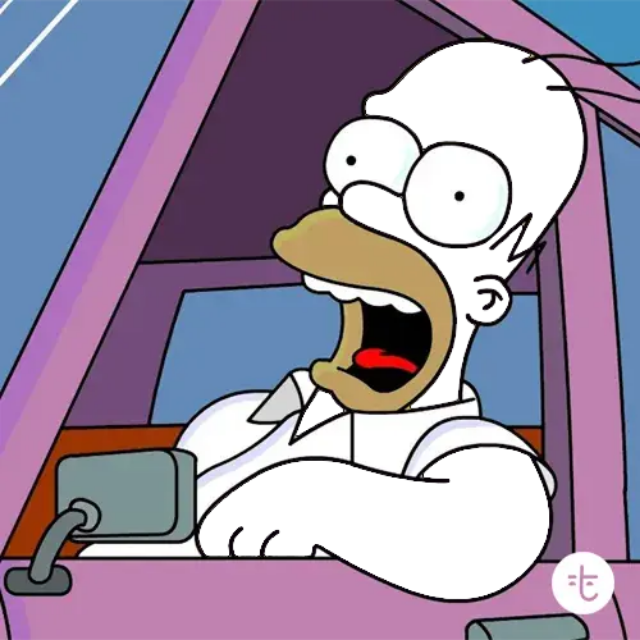
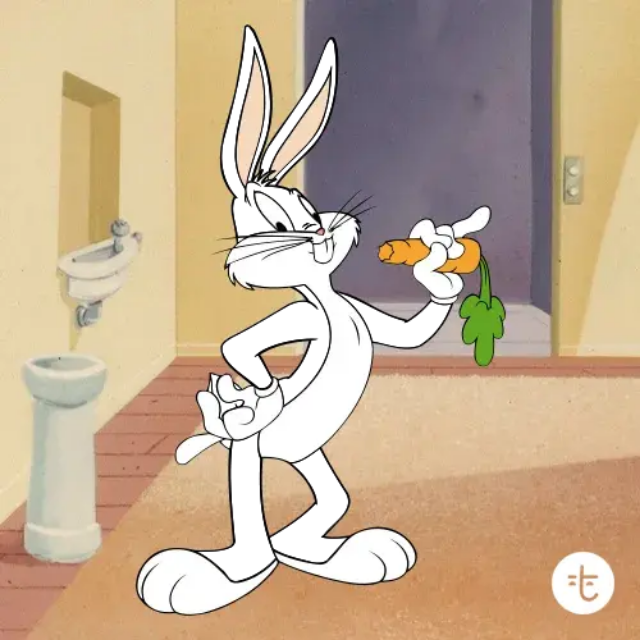

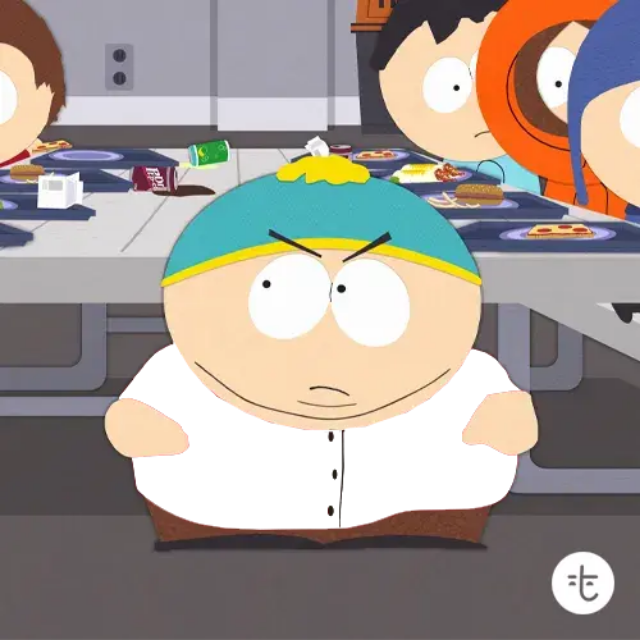
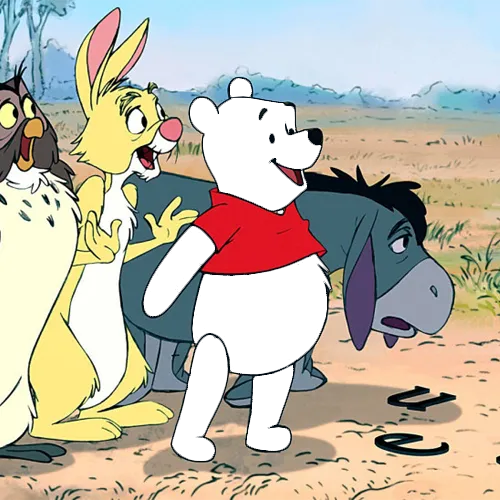
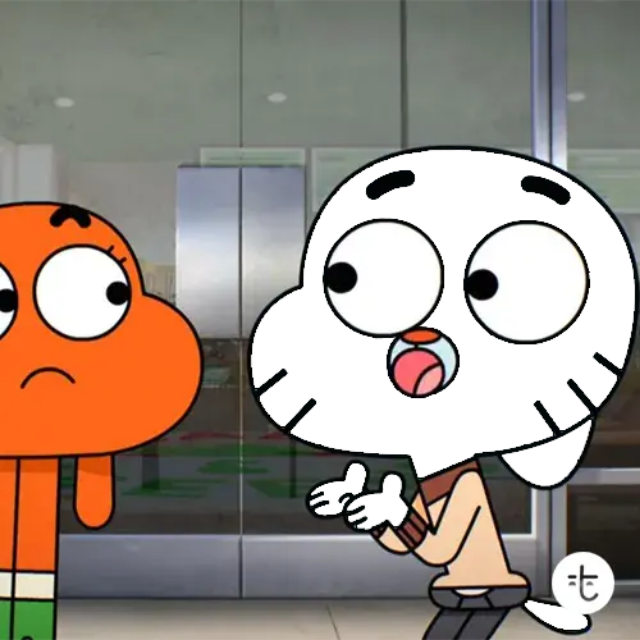
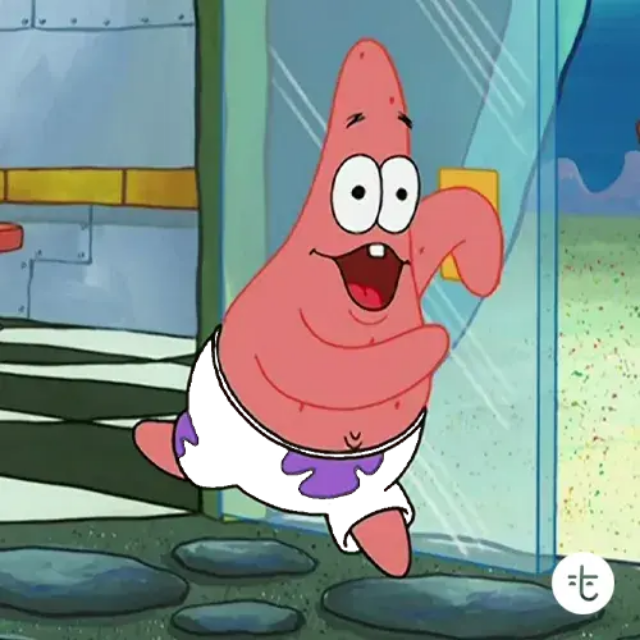
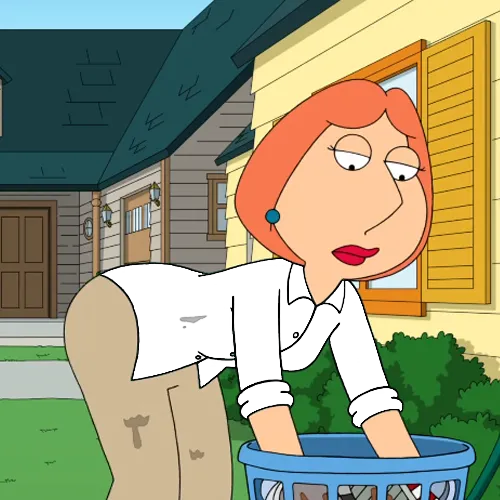
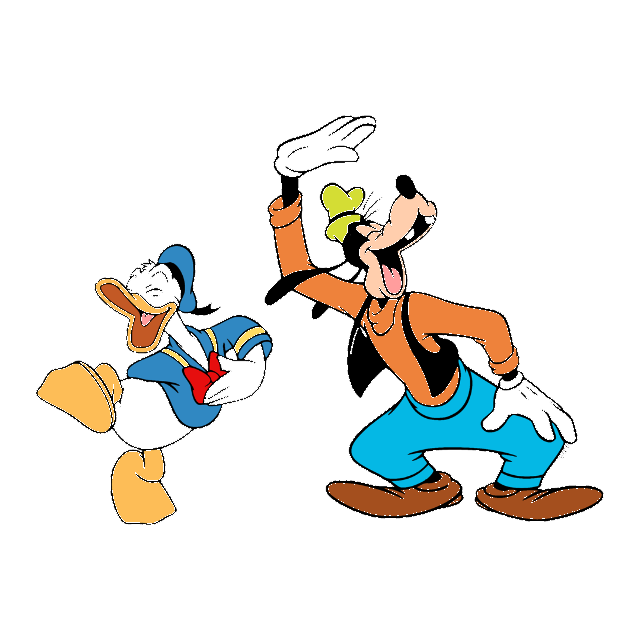
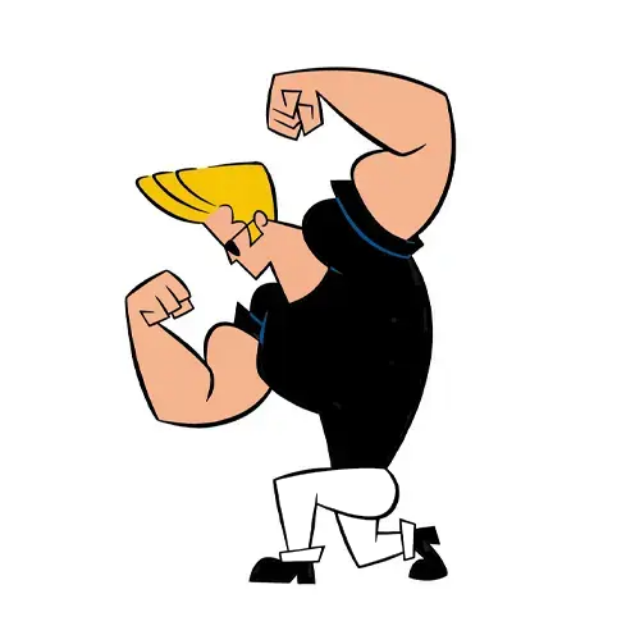

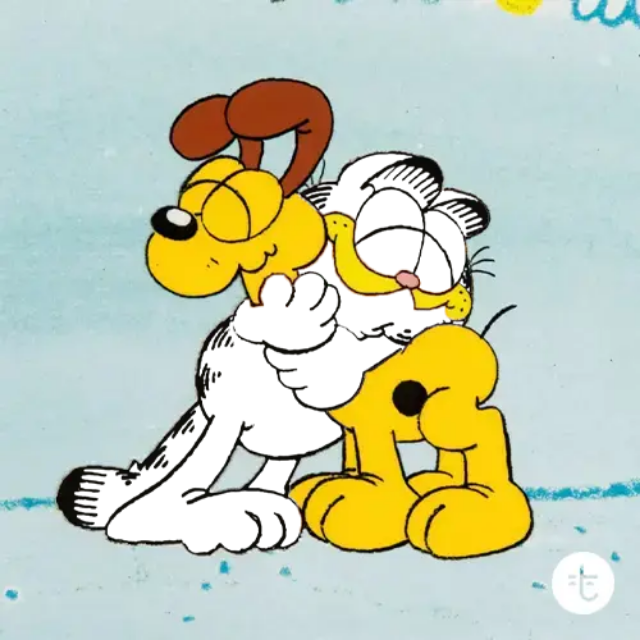
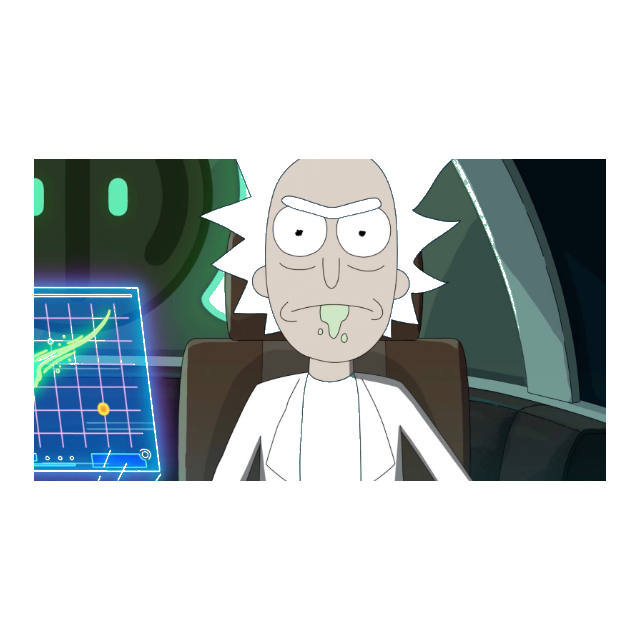
Color Match Scoring
Toon Tone uses HSB controls because hue, saturation, and brightness are easier to reason about than raw RGB values while looking at a character image. Hue chooses the color family, saturation controls intensity, and brightness controls how light or dark the submitted color becomes.
Toon Tone scores use RGB color distance, converted to a 0-10 result. A perfect match lands near 10.0000. Using a hint reveals a target range for hue, saturation, and brightness, but subtracts one point from that round.
The Toon Tone live recolor preview is part of the guessing logic. Players shape the target area until the character detail looks right instead of typing a hex code from memory.
Toon Tone character question set
The Toon Tone question set pulls from cartoons, anime, classic shorts, comics, Korean animation, and newer internet favorites. Every round has a character name, source title, target part, answer color, local image, and clear color area.
The character page is there for browsing the question bank after a run. It lets players check which cartoon and anime prompts can appear without turning the homepage into an answer sheet.
Most rounds ask for one detail people can picture: a jacket, bow, suit, hair color, skin tone, mascot body, or hero costume piece. That makes it closer to a cartoon color matching challenge than a standard multiple-choice quiz.
This is not a character-identity game. The prompt already tells you who the character is. The test is whether you remember the color well enough to rebuild it.
Classic, Pokemon, and Brand Modes
The main Toon Tone run is the classic cartoon and anime color game. It is the best place to start if you want the broadest mix of character prompts.
Toon Tone Pokemon is a live Gen 1 Pokemon color mode with its own ranked board. Toon Tone Brand is a live logo color guessing mode for familiar company colors. Both modes use the same five-round HSB slider format and do not require signup.
Toon Tone Color Game Examples
A strong Toon Tone round starts with a detail that animation fans can picture without a long clue. The question avoids vague wording like "what color is this character" and asks for a specific part instead.
Example Toon Tone rounds can include a bow, jacket, hair shape, hero suit, mascot body, collar, backpack, gloves, or signature outfit detail.
Each round has one named character, one target part, and one saved answer color. The game tests whether you can rebuild that color from memory, not whether you can identify the character.
- Play the current five-round color game.
- Browse the characters question bank.
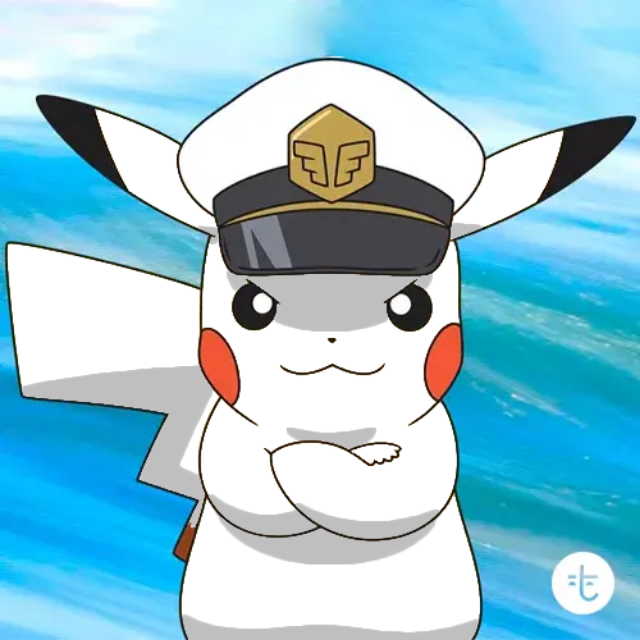
- Pikachu skin color study.
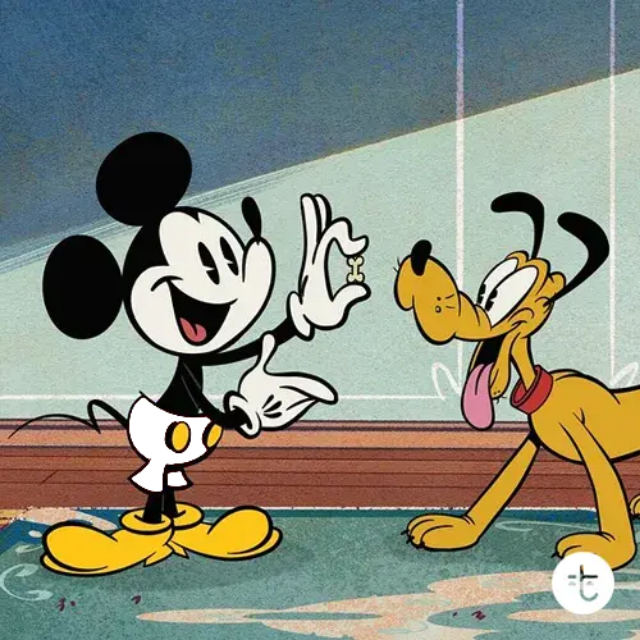
- Mickey Mouse shorts color study.
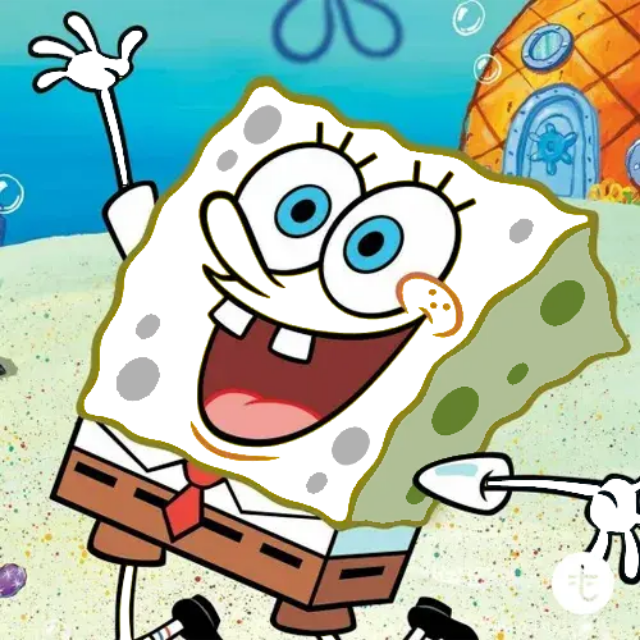
- SpongeBob body color study.
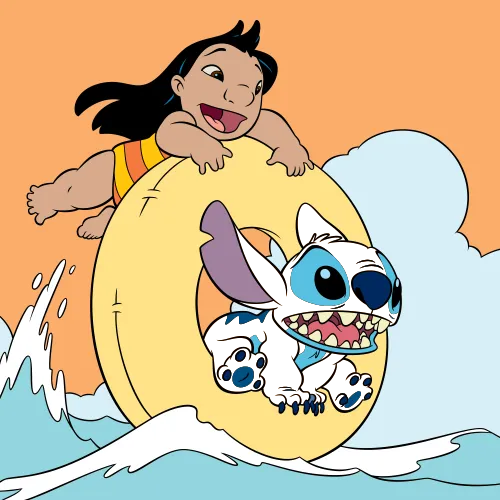
- Stitch body fur color study.
- Bender metal color study.
- Morty Smith t-shirt color study.
- Pokemon color mode.
- Brand logo color mode.
- Guess the color practice.
Quick Rounds, Replayable Challenges
A good Toon Tone round feels simple before it becomes tricky. The prompt names one character and one target part, then the color game asks you to rebuild that memory with HSB sliders instead of choosing from multiple-choice swatches.
That focus keeps Toon Tone readable on a phone. You are not guessing a full palette or typing a hex code; you are watching one area change live until the character detail looks close enough to submit.
Some players hear the name before they see it written. ToonTone, Toon Tone, toon toon, and cartoon tone usually point to the same idea here: a quick browser game about guessing cartoon colors from memory.
The Toon Tone browser game also keeps shared runs replayable. When a result link is shared, friends get the same five prompts, the same answer colors, and a fair way to compare color memory without installing anything.
When To Play Toon Tone
The format works well as a quick daily browser challenge, a group chat dare, or a short break for animation fans. It is visual memory, fast color matching, and a replayable score rather than a long quiz.
Because each Toon Tone prompt asks for one target detail instead of a whole character palette, a round is easy to understand on mobile. Players can focus on memory, sliders, and the live recolor area without reading a long rulebook first.
Why Toon Tone Runs In The Browser
Toon Tone keeps the browser path short: open the page, play the current run, finish five rounds, and send the result. There is no app store step, account wall, upload form, or setup screen before the challenge starts.
Shared links stay useful for the same reason. A friend can open a result, replay the same five target colors, and decide whether to save a leaderboard tag after the run.
The browser version is the whole product: the color matching game runs here, the leaderboard lives here, and the shared challenge link opens the same five-round format.
Fair Challenge Format
Every Toon Tone run uses five prompts because a single color guess can be noisy. Five rounds make the score feel earned while still keeping the session short enough for a phone break.
A shared Toon Tone challenge opens the same prompt order, so results are comparable. A score is tied to a repeatable run, which means friends can face the same color memory test.
Mobile-Friendly Color Controls
The Toon Tone interface keeps the prompt, character image, sliders, score, rank, and share actions close together so a mobile player can finish a run without hunting through separate pages or hidden menus.
It is more precise than a simple tap the color game: tapping might be enough for a swatch quiz, but this format asks you to tune hue, saturation, and brightness until the cartoon detail feels right.
Arcade-Style Competition
Toon Tone plays like an arcade color match challenge, not a passive cartoon quiz. Five rounds, a 24-hour board, an all-time board, repeatable shared runs, and a share card give each run a score to chase.
Compared with a plain color picker or character trivia page, the loop is more active: tune one live recolor target, submit under pressure, see the exact score distance, then decide whether to save a tag, post to the wall, share the result, or run it back.
FAQ
Is Toon Tone free?
Yes. Toon Tone is free to play online and does not require signup.
Is ToonTone the same as Toon Tone?
Yes. ToonTone is the no-space spelling people sometimes type for Toon Tone. On this site, both names mean the same free browser color game at toon-tone.app.
Do I need to download Toon Tone?
No. It runs in the browser, so there is no app download or installation step.
How do you play Toon Tone?
Read the prompt, adjust hue, saturation, and brightness, submit the color, then finish five rounds for a ranked score.
Can I play right now?
Yes. Open the game section, press play, and finish the five-round color challenge in the browser.
What modes are available?
Classic Toon Tone, Pokemon mode, and Brand mode are live now.
What characters or colors appear?
Rounds use cartoon and anime-inspired prompts with a specific target part such as hair, skin, jacket, bow, body, or suit.
Is Toon Tone related to Toontown or a painting tool?
No. It is a separate cartoon color match game built around five short rounds.
Can I play the color matching game online?
Yes. Open the page, tune the sliders, submit five rounds, and compare the result in the browser.
Is this a guessing the character game?
No. Each prompt names the character. The challenge is guessing the character color for one part, not identifying the character from a clue.
Are there Rick and Morty prompts?
Some prompts come from modern TV cartoons, including entries Rick and Morty fans may recognize. The round still asks for one specific color part rather than trivia.
Can I share my result?
Yes. After five rounds, the game creates a result URL and score card for sharing the same challenge.
How is it different from a normal color quiz?
It plays like a short arcade challenge: five fast rounds, live recolor feedback, 24-hour and all-time rankings, optional wall posts, and result links for direct competition.